Food Scanner Nutrition Tracker1.0.4
Publisher Description
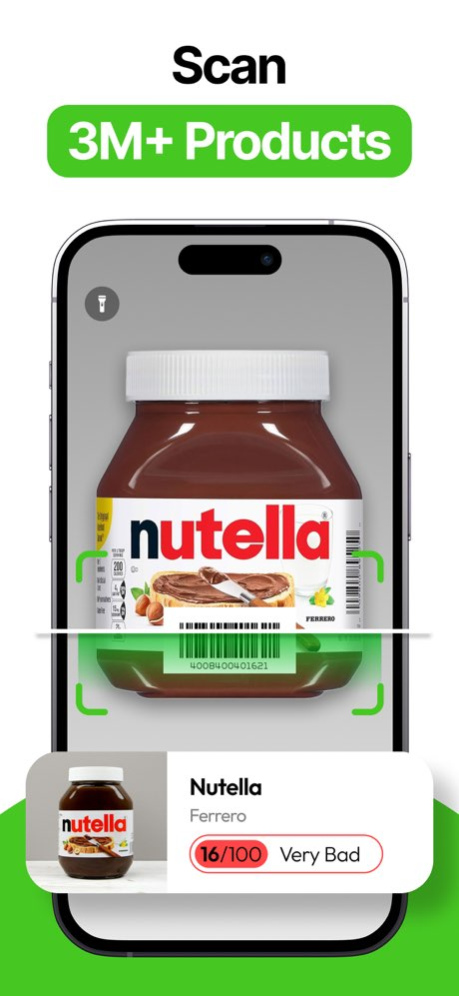
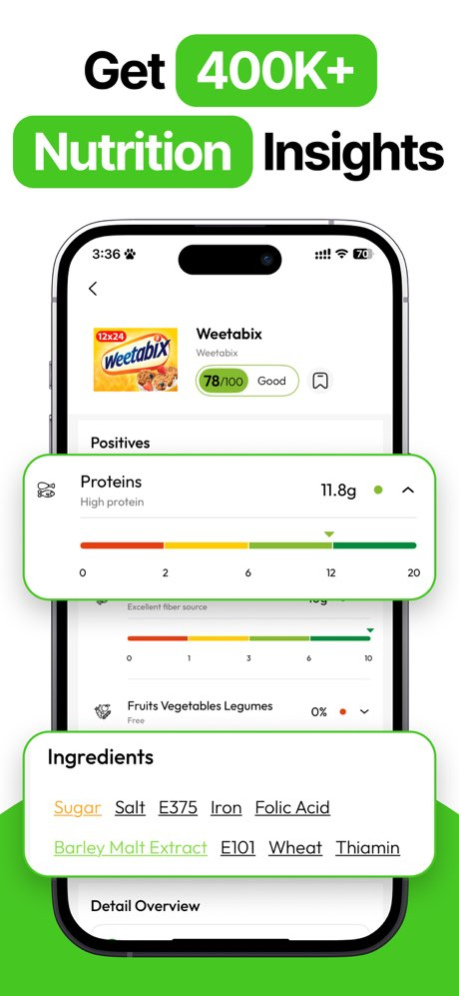
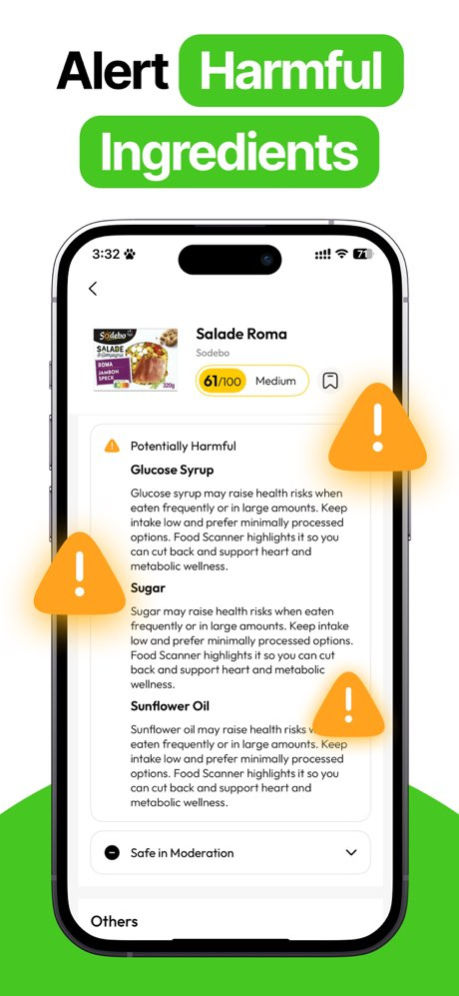
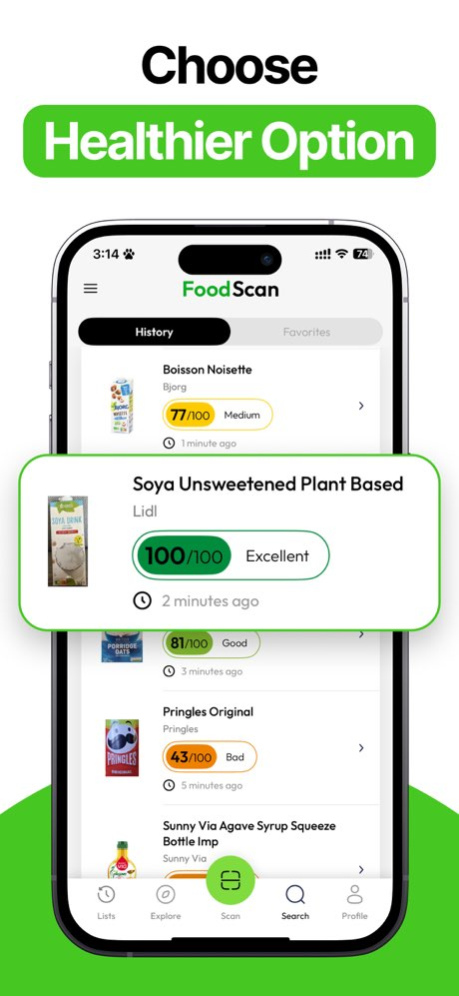
Eat Smarter with "Food Scanner Nutrition Tracker" - Your Pocket Nutrition Expert!
Make informed food choices in seconds with "Food Scanner Nutrition Tracker", the intelligent AI food scanner and calorie tracker that decodes product barcode, helping you understand exactly what you eat. This powerful health app is perfect for anyone who wants to track calories, manage macros, or eat healthier.
Just scan food with our smart barcode reader and instantly access detailed nutrition facts, ingredient checker insights, and food safety data. From weight loss goals to balanced diets, this is your all-in-one calorie calculator, macro tracker, and protein tracker.
KEY FEATURES
- Global Food Database - 3 MILLION PRODUCTS - Ready for you to scan and make healthy food choices.
- Barcode Reader & Nutrition Scores - Scan food effortlessly to view overall nutrition ratings based on sugar, salt, fat, additives, and nutritional breakdowns.
- Ingredient Scanner - Detect negative ingredients (ultra-processed items, allergens, additives, etc.) and posivtive nutrition (vitamin, protein, calorie, etc.), tailored to specific diets and allergies.
- Custom Allergy Alerts - Set your allergies (nuts, dairy, gluten, sesame, fish, lactose, soy, nuts, etc.), and stay informed about potential allergens, keeping your health a priority.
- Custom Diet Profiles - Supports keto, vegan, vegetarian, halal, and gluten-free scanner options.
- Compare & Recommend Products - Not sure which is healthier? Let the product scanner decide for you.
Use Food Scanner as your calorie tracker free, calorie deficit tracker, nutrition tracker, or even as an AI calorie tracker powered by intelligent suggestions via Eato AI Calorie Tracker. Whether you're logging meals, checking ingredients, or finding healthy food, this fitness app gives you complete transparency.
Perfect for tracking calories, building a better diet, or simply learning how to read the labels. Use it as a gluten-free scanner, healthy food scanner, or food health scanner - it’s the only nutrition scanner and food checker you need.
**Note: Keep in mind that the information and detection might not be completely accurate. It's always best to double-check yourself, especially by looking at the packaging.
Download "Food Scanner Nutrition Tracker" now - the smart way to track food, calories, and health!
Terms of Service: https://leostudio.global/policies
Privacy: https://leostudio.global/policies
Version History Stay up-to-date with nutrition tips, allergy warnings, and top healthy picks - Update now! 1.0.4 09/12/2025 - Explore Top Nutritious Products – Find Better Choices for You!
- Search by Barcode or Product Name for Quick Results.
Download Now and Get Toxin Alerts Instantly! 1.0.3 09/07/2025 - Create your Favorite Healthy Products list! 1.0.2 08/22/2025 - 20+ allergen & diet filters for personalized scans
- Manual barcode entry for quick product lookups. 1.0.1 08/15/2025 1.0 08/04/2025
About Food Scanner Nutrition Tracker
The company that develops Food Scanner Nutrition Tracker is LeoStudio Global Limited. The latest version released by its developer is 1.0.4.
To install Food Scanner Nutrition Tracker on your iOS device, just click the green Continue To App button above to start the installation process. The app is listed on our website since 2026-10-14 and was downloaded 0 times. We have already checked if the download link is safe, however for your own protection we recommend that you scan the downloaded app with your antivirus. Your antivirus may detect the Food Scanner Nutrition Tracker as malware if the download link is broken.
How to install Food Scanner Nutrition Tracker on your iOS device:
- Click on the Continue To App button on our website. This will redirect you to the App Store.
- Once the Food Scanner Nutrition Tracker is shown in the iTunes listing of your iOS device, you can start its download and installation. Tap on the GET button to the right of the app to start downloading it.
- If you are not logged-in the iOS appstore app, you'll be prompted for your your Apple ID and/or password.
- After Food Scanner Nutrition Tracker is downloaded, you'll see an INSTALL button to the right. Tap on it to start the actual installation of the iOS app.
- Once installation is finished you can tap on the OPEN button to start it. Its icon will also be added to your device home screen.
Program Details
System requirements
Download information
Pricing
Version History
version 1.0.4
posted on 2026-10-14
Version History Stay up-to-date with nutrition tips, allergy warnings, and top healthy picks - Update now! 1.0.4 09/12/2025 - Explore Top Nutritious Products – Find Better Choices for You!
- Search by Barcode or Product Name for Quick Results.
Download Now and Get Toxin Alerts Instantly! 1.0.3 09/07/2025 - Create your Favorite Healthy Products list! 1.0.2 08/22/2025 - 20+ allergen & diet filters for personalized scans
- Manual barcode entry for quick product lookups. 1.0.1 08/15/2025 1.0 08/04/2025
version 1.0.4
posted on 2025-09-12
Stay up-to-date with nutrition tips, allergy warnings, and top healthy picks - Update now!
